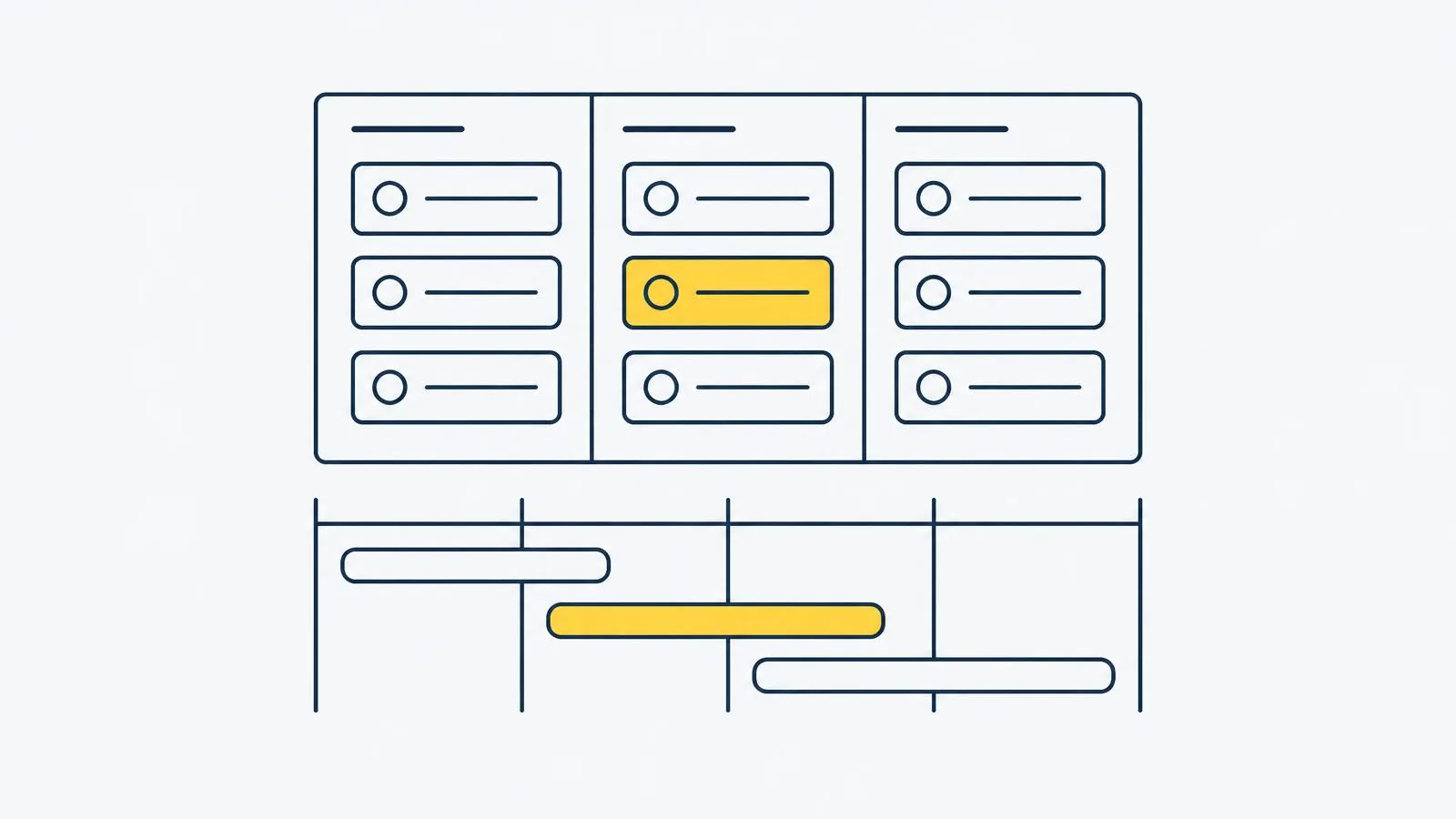
This Monday.com review evaluates configurable boards, views, dashboards and operational rules. It fits teams willing to define how work is represented, but paid seat bundles and automation allowances can make a starting per-seat price misleading. The limited Free plan is an evaluation entry, not a substitute for every paid workflow.
Monday.Com Review: verdict
Teams wanting configurable boards and visual operations. Paid seat bundles affect purchasing; automation and integration action allowances vary by tier.
Key features
- Configurable boards and columns
- Multiple work views by tier
- Dashboards for grouped work
- Automation rules with action allowances
- Integrations with tier-dependent action limits
Pros
- Columns, views, dashboards and rules let teams model different operational workflows.
- Work management built around configurable boards.
- Teams wanting configurable boards and visual operations.
Cons
- Paid seat bundles affect purchasing; automation and integration action allowances vary by tier.
- Only the selected edition establishes the capabilities and permissions you buy.
- Add-ons or optional services should be evaluated separately from entry access.
Monday.com pricing
Limited Free entry and per-seat Basic, Standard, Pro and Enterprise options. See Monday.com official pricing.
Support options
Use Monday.com product help and the support terms for the exact edition under consideration. The saved material does not establish one universal live channel, response time or service guarantee across every account.
Seat bundles and action allowances
Price the paid seat bundle rather than multiplying the advertised rate by an arbitrary headcount. Automation and integration actions have tier-specific allowances; recurring rules can consume them even when the board contains relatively few items. Identify the rules that must run before comparing editions.
Related StackReporter guides
For best project management tools, see best project management tools.
For project management software reviews, see project management software reviews.
For Asana vs Monday.com, see Asana vs Monday.com.
For Asana alternatives, see Asana alternatives.
For free project management software, see free project management software.
Sources and methodology
StackReporter compares published product documentation, saved plan descriptions and relevant editorial sources. We did not conduct hands-on performance, uptime, deliverability or timed usability testing for this article. Recommendations are editorial judgments about workflow fit, not guarantees of results. Prices and eligibility can change; confirm the selected plan before purchase.
We may earn a commission from eligible partner links. Editorial references are not affiliate offers, and commercial relationships do not determine our conclusions.